
The ChillDesk blog · Winter reading
Guides, answers and honest comparisons
Step-by-step help for ChillDesk on Mac and Windows, the questions people ask us most, and straight comparisons with the alternatives.
Christmas on your desktop
Snow on your windows, a lit tree, and Santa’s sleigh over the aurora. Ideas, guides and gifts for the holidays.
-

A Christmas desktop with snow, a lit tree and Santa
How to give your Mac or Windows desktop a Christmas: falling snow, a lit tree, garlands and Santa's sleigh, with no wallpapers to hunt for. Read the guide -

Christmas screensaver or live wallpaper: which is better?
A Christmas screensaver shows only when you are away. A live wallpaper shows while you work. How they differ and which to choose for your Mac or PC. Read the comparison -

Digital Christmas gift ideas for Mac and PC users
Last-minute digital gifts for people who live on a computer: license keys that arrive by email, with no shipping. How to gift ChillDesk and what to check. Read the guide -

The best animated Christmas wallpapers for Mac
Falling snow apps, video loops and a full living village: the kinds of animated Christmas wallpaper for Mac, compared honestly, ChillDesk included. Read the comparison
Get ChillDesk for Christmas · $5.99 Christmas launch price, ends in a few days. Then $7.99.
Meet the Vale
What ChillDesk is, and the things you can do in it.
-

What is ChillDesk?
ChillDesk is a living, painted scene behind your desktop icons on Mac and Windows. What it does, what it costs and what it is not. Read -

Pick up and throw the villagers on your desktop
How grabbing, swinging and throwing the villagers works in ChillDesk, where they land and what they do next. See it -
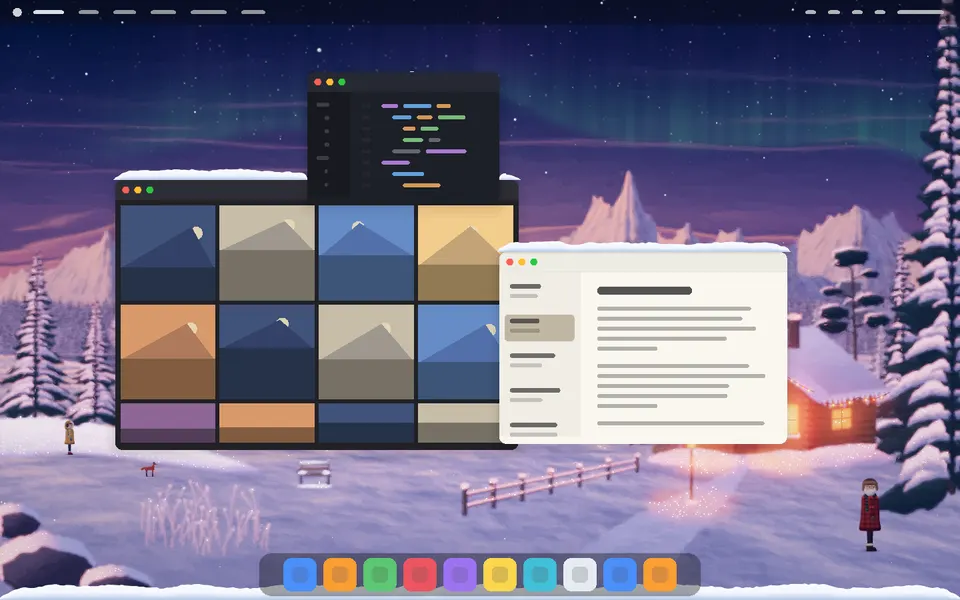
Snow that settles on your open windows
ChillDesk lets snow build on the top edge of your open windows, minute by minute. How it behaves and how to control the amount. See it -

A desktop sky that follows your clock
ChillDesk moves through eight times of day, from grey dawn to a lamp-lit night, following your computer's clock. See it -
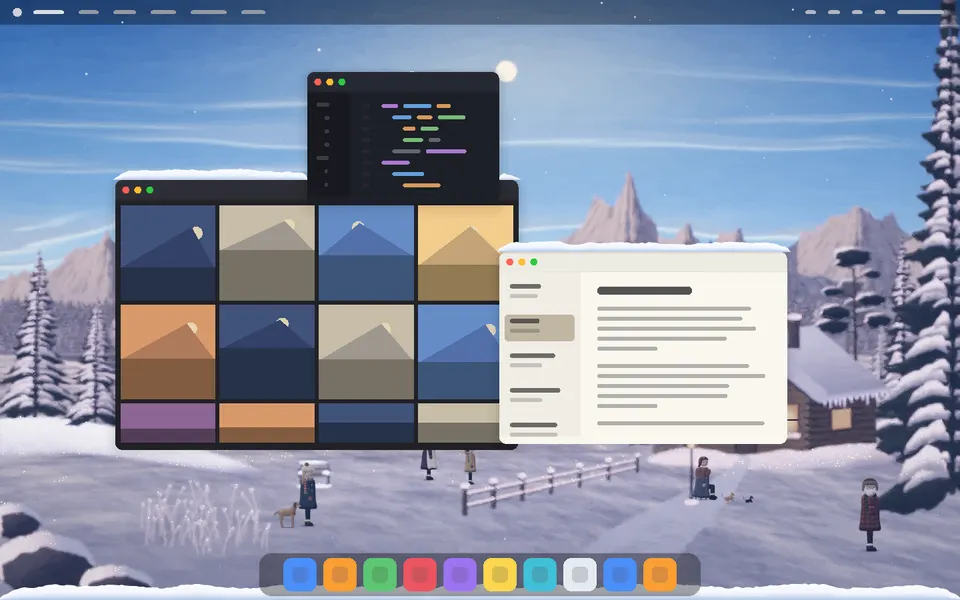
Shake your MacBook and the scene feels it
ChillDesk reads the motion sensor in MacBooks. Shake for a blizzard, tilt to slide the snow. How it works and which Macs support it. See it -

Scoop snow, throw snowballs, build snowmen
How to scoop snow off your desktop, throw snowballs and stack a snowman in ChillDesk, and what the plow does. See it -

A tram, a balloon, penguins: what happens when you look away
The small surprises in ChillDesk's Winter Vale: the lit tram along your Dock, planes and balloons, sledding kids and a penguin parade. See it -

Christmas mode: Santa, a lit tree and the North Pole workshop
ChillDesk dresses the village for Christmas each year from 1 December to 6 January: a lit tree, garlands, Santa's sleigh and the workshop. See it
Help guides
Install, activate, move, update, uninstall. Short steps with pictures.
-

A tour of the ChillDesk settings
Every setting in ChillDesk: the menu-bar and tray menu, and the Settings window with look, snow, sound, villagers, login and updates. Read the guide -

ChillDesk Solo or Home: which one should you buy?
Solo covers one computer, Home covers five in one household. Both are a one-time purchase with lifetime updates and a 14-day refund. Read the guide -

How do I get a refund for ChillDesk?
ChillDesk refunds are 14 days, no questions. Email support from your purchase address and the full amount goes back to your card. Read the guide -

How do I move ChillDesk to a new computer?
Free the old computer's slot and activate the new one with the same key. Works from the old machine or from the My license page. Read the guide -

How does ChillDesk update, and how do I turn it off?
ChillDesk checks for updates every few hours and installs them by itself. How to check by hand, install by hand or switch automatic updates off. Read the guide -

How to activate ChillDesk on Mac and Windows
Where your ChillDesk license key arrives, how to paste it in the Activate window, what each message means and how long it works offline. Read the guide -

How to install ChillDesk on a Mac
Download the ChillDesk DMG, drag it to Applications, open it the first time and find it in the menu bar. Takes about two minutes. Read the guide -

How to install ChillDesk on Windows
Download ChillDesk-Setup.exe, get past the SmartScreen warning, run the installer and find ChillDesk in the system tray. About three minutes. Read the guide -

How to uninstall ChillDesk on Mac and Windows
Free your license slot, switch off start at login, then remove ChillDesk from your Mac or Windows PC. Clean steps for both. Read the guide -

How to upgrade ChillDesk from Solo to Home
Upgrade your Solo license to Home for five computers and pay only the difference. The key stays the same. Steps and what changes. Read the guide -

I lost my ChillDesk license key. How do I get a new one?
Get a new ChillDesk license key by email in a few minutes, with no password. Use the My license page and the link we send you. Read the guide -

Name your villagers and choose how many live there
Give the villagers on your desktop your own names, show name tags on hover and add up to 12 extra villagers in ChillDesk. Read the guide
Wallpapers and comparisons
What else is out there, and when it is the better pick.
-

Desktop pets vs a living desktop scene
A desktop pet is one character walking over your windows. A living scene is a whole world behind them. How they differ and which suits you. Read the comparison -

Does an animated desktop slow your computer down?
How ChillDesk keeps its cost low: no drawing when still, a 30 fps cap, and a full pause when covered, locked, asleep or in Low Power Mode. Read the guide -

How to get an animated desktop background on a Mac
Three ways to animate your Mac desktop: built-in dynamic and Aerial wallpapers, a video wallpaper app, or a live scene like ChillDesk. Read the guide -

How to get an animated desktop background on Windows
Windows has no built-in moving wallpaper. Use a free player like Lively, Wallpaper Engine, or a live scene like ChillDesk. How each works. Read the guide -
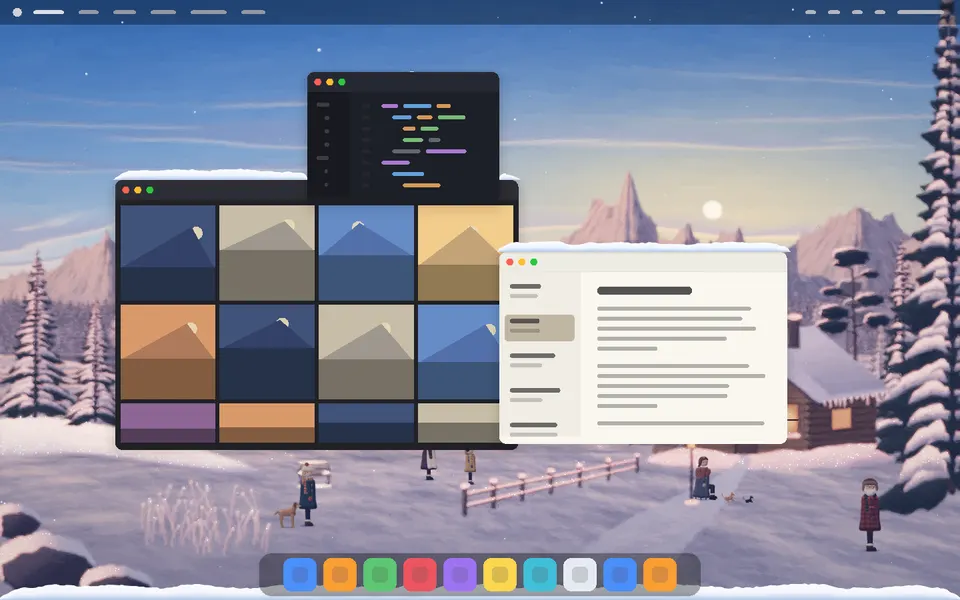
How to get snow falling on your Mac or Windows desktop
Three ways to get falling snow on your desktop on Mac or Windows, from a tiny snowfall app to a living scene where snow settles on your windows. Read the guide -

How to stop a live wallpaper draining your battery
Why animated wallpapers use battery and what to do: pause when covered, cap the frame rate, use Low Power Mode and pick efficient apps. Read the guide -

Lively Wallpaper vs ChillDesk on Windows
Lively is a free, open-source Windows app that plays videos and web pages as wallpaper. ChillDesk is a paid living scene. When to pick which. Read the comparison -

macOS dynamic wallpapers vs ChillDesk
macOS can change its wallpaper with the time of day and play Aerial videos. How that differs from a live painted scene like ChillDesk. Read the comparison -

Wallpaper Engine for Mac: what exists and where ChillDesk fits
Wallpaper Engine runs only on Windows. Here is what Mac users can use instead and how ChillDesk differs from video and scene wallpapers. Read the comparison
Prefer a feed? RSS. What the app does is on the features page.